Curriculum
Red Hat Enterprise Linux Automation with Ansible (AU294)
Red Hat Enterprise Linux Automation with Ansible (AU294)
0/1

Red Hat Enterprise Linux Automation with Ansible -AU294
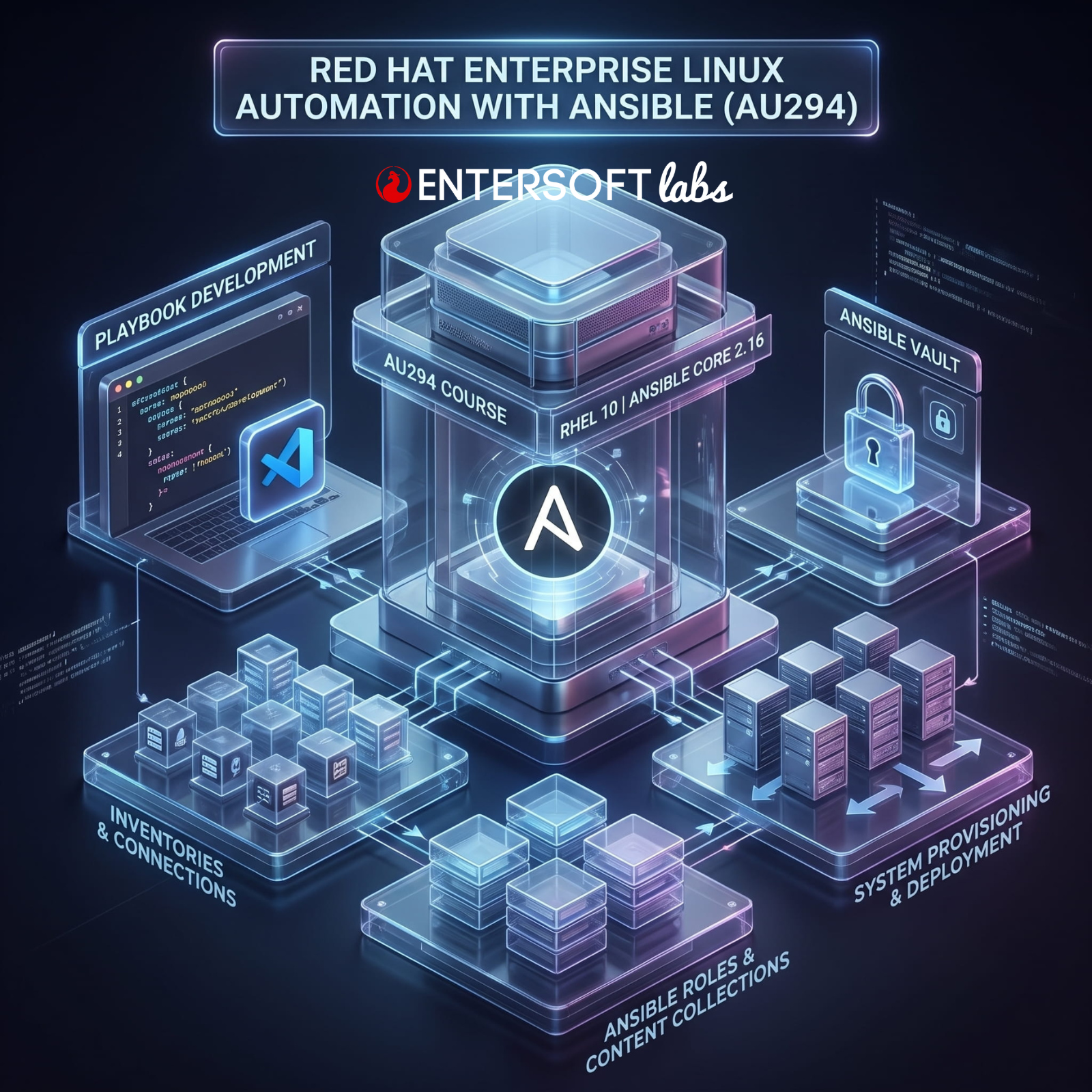
Learn how to automate Linux system administration tasks with Ansible.
Red Hat Enterprise Linux Automation with Ansible (AU294) is designed for Linux administrators and developers who need to automate repeatable and error-prone steps for system provisioning, configuration, application deployment, and orchestration.
This course is based on Red Hat® Enterprise Linux® 10, Ansible Core 2.16, and Ansible development tools in alignment with Red Hat Ansible Automation Platform 2.5 and 2.6.
Audience
This course is geared toward Linux system administrators, DevOps engineers, site reliability engineers, infrastructure automation engineers, and developers who are responsible for repeatable tasks such as the following:
z Automating configuration management
z Ensuring consistent and repeatable application deployment
z Provisioning and deployment of development, testing, and production servers
z Integrating with DevOps continuous integration/continuous delivery workflows
Chapter 1: An Introduction to Ansible
Goal: Describe the fundamental concepts of Ansible and how it is used, install and configure Ansible development tools in VS Code, and configure Ansible settings.
« Automating Tasks with Ansible
« Configuring Your Ansible Development Environment
« Guided Exercise: Configuring Your Ansible Development Environment
« Configuring Ansible Settings
« Guided Exercise: Configuring Ansible Settings
Chapter 2: Introduction to Developing Automation Content
Goal: Describe the fundamental concepts of Ansible and how it is used and install and configure Ansible development tools in VS Code.
« Building an Ansible Inventory
« Guided Exercise: Building an Ansible Inventory
« Developing Playbooks
« Guided Exercise: Developing Playbooks
« Developing Playbooks with Multiple Plays
« Guided Exercise: Developing Playbooks with Multiple Plays
« Troubleshooting Playbooks and Managed Hosts
« Guided Exercise: Troubleshooting Playbooks and Managed Hosts
v Lab: Developing Automation Content
Chapter 3: Developing Automation Content: Variables
Goal: Write playbooks that use variables to simplify management of the playbook, protect sensitive data in variables, and use facts and magic variables to reference information about managed hosts.
« Using Variables
« Guided Exercise: Using Variables
« Gathering Host Information from Facts
« Guided Exercise: Gathering Host Information from Facts
« Protecting Sensitive Data with Ansible Vault
« Guided Exercise: Protecting Sensitive Data with Ansible Vault
v Lab: Developing Automation Content: Variables
Chapter 4: Developing Automation Content: Task Control
Goal: Write plays that use task control features to specify a task that must run once for each item in a list, or that only runs if certain conditions are met
« Using Loops and Conditional Tasks
« Guided Exercise: Using Loops and Conditional Tasks
« Implementing Handlers
« Guided Exercise: Implementing Handlers
« Handling Task Failure
« Guided Exercise: Handling Task Failure»
v Lab: Developing Automation Content: Task Control
Chapter 5: Developing Automation Content: Deploying Files
Goal: Deploy, customize, and adjust files on hosts managed by Ansible.
« Automating File Management Tasks
« Guided Exercise: Automating File Management Tasks
« Using Jinja2 Templates and Filters
« Guided Exercise: Using Jinja2 Templates and Filters
v Lab: Developing Automation Content: Deploying Files
Chapter 6: Developing Automation Content at Scale
Goal: Manage complex Ansible Playbooks by importing or including other playbooks and tasks, as well as by using advanced host patterns to efficiently select specific hosts from your inventory.
« Including and Importing Files
« Guided Exercise: Including and Importing Files
« Selecting Hosts by Using Host Patterns
« Guided Exercise: Selecting Hosts by Using Host Patterns»
v Lab: Developing Automation Content at Scale
Chapter 7: Reusing Code with Ansible Roles and Content Collections
Goal: Use Ansible roles and Ansible content collections to develop playbooks more quickly and to reuse Ansible code.
« Defining Role Structure
« Creating Roles
« Guided Exercise: Creating Roles
« Deploying Roles from External Content Sources
« Guided Exercise: Deploying Roles from External Content Sources
« Obtaining Roles and Modules from Ansible Content Collections
« Guided Exercise: Obtaining Roles and Modules from Ansible Content Collections
v Lab: Reusing Code with Ansible Roles and Content Collections
Chapter 8: Automating Linux Administration Tasks
Goal: Automate common Linux system administration tasks with Ansible.
« Using System Roles
« Guided Exercise: Using System Roles
« Automating Software and Subscription Tasks
« Guided Exercise: Automating Software and Subscription Tasks
« Automating User Management and Authentication Tasks
« Guided Exercise: Automating User Management and Authentication Tasks
« Automating the Boot Process and Scheduled Processes
« Guided Exercise: Automating the Boot Process and Scheduled Processes
« Automating Storage Tasks
« Guided Exercise: Automating Storage Tasks
« Automating Network Configuration Tasks
« Guided Exercise: Automating Network Configuration Tasks
v Lab: Automating Linux Administration Tasks
Chapter 9: Comprehensive Review
Goal: This lesson tests the knowledge acquired in the Red Hat Enterprise Linux Automation with Ansible (AU294) course
v Lab: Deploying Ansible
v Lab: Creating Playbooks
v Lab: Managing Linux Hosts and Using System Roles
v Lab: Creating Roles
Recommended next exam or course
Red Hat Certified Engineer (RHCE) exam (EX294) @ 4 hrs. Exam
Developing Advanced Automation with Red Hat Ansible Automation Platform (AU374)
Lesson Materials
