Curriculum
Certified System Administrator (RHCSA)
Red Hat System Administration I - RH124
0/1

Red Hat System Administration II - RH134
0/1
Red Hat System Administration I | RH124
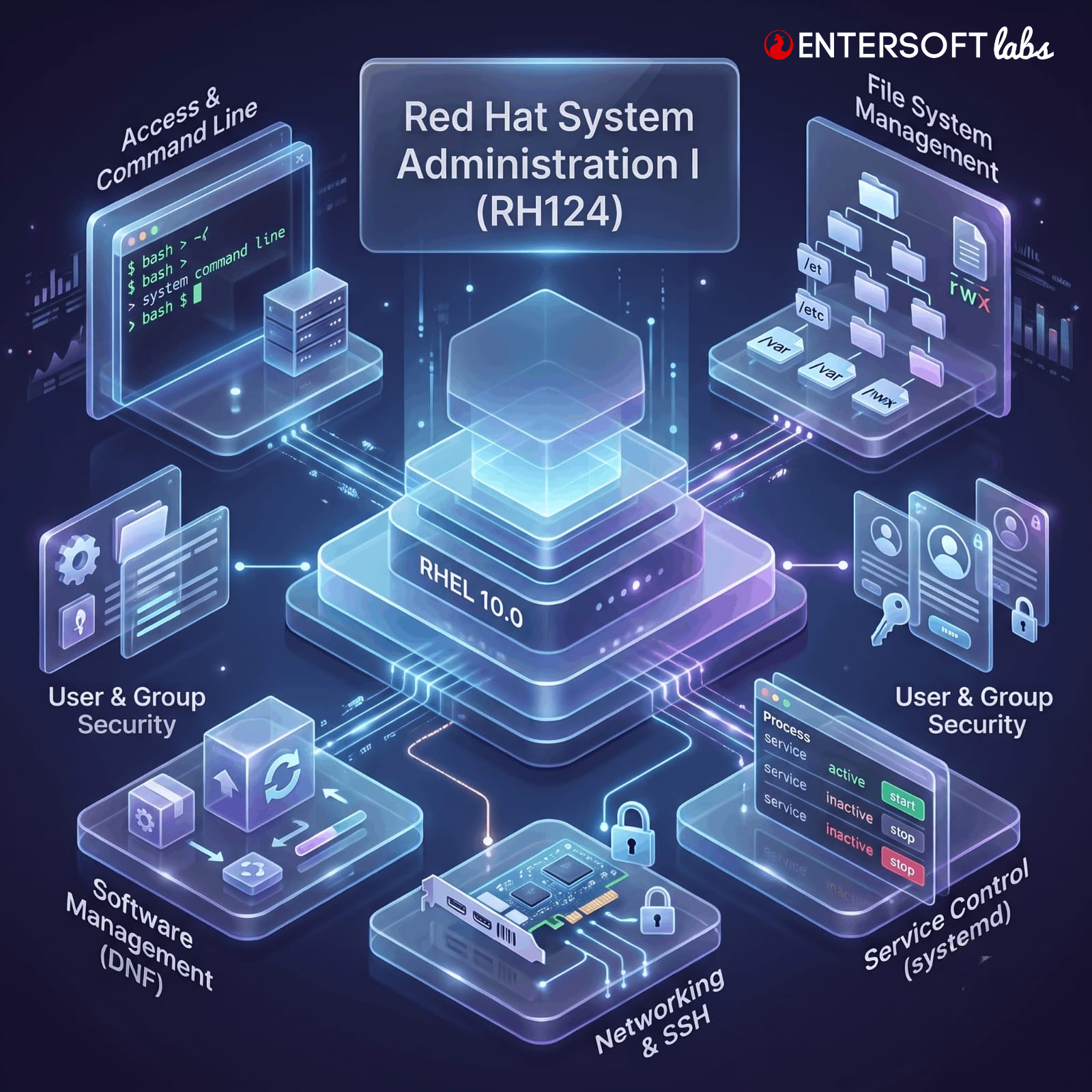
Learn essential Red Hat Enterprise Linux configuration, administration, and maintenance in a condensed format designed for experienced Linux system administrators.
The RHCSA course features Red Hat® Enterprise Linux® 10 combining essential content from Red Hat System Administration I (RH124) and Red Hat System Administration II (RH134) to help students operate, manage, and maintain a Red Hat Enterprise Linux system. The Red Hat Certified System Administrator (RHCSA) exam (EX200)
Audience
System administrators, platform engineers, developers, and other IT professionals who have limited Red Hat Enterprise Linux experience but need to perform essential Linux administration tasks on a single server, including basic competency with use of the Bash command-line shell, user and file management, software administration, management of local storage devices, and other key single-server duties
Red Hat System Administration I (RH124)
Red Hat System Administration I (RH124) is designed for IT professionals without previous Linux system administration experience.
These concepts are further developed in the follow-on course, Red Hat System Administration II (RH134).
Chapter 1: Introduction to Red Hat Enterprise Linux
Goal: By the end of this topic, learners will be able to understand the principles of open-source software, explain the role of Linux as an operating system, identify different Linux distributions, and describe the purpose and enterprise importance of Red Hat Enterprise Linux (RHEL).
-
-
Getting Started with Red Hat Enterprise Linux
-
Chapter 2: Accessing the Command Line
Goal: Log in to a Linux system and run simple commands by using the shell.
-
-
Accessing the Command Line in a Text Interface
-
Accessing the Command Line with the Desktop Environment
-
Guided Exercise: Access the Command Line with the Desktop Environment
-
Executing Commands with the Bash Shell
-
-
-
Lab: Access the Command Line
-
Chapter 3: Getting Help from Local Documentation
Goal: Resolve problems by using information in local help systems and documentation.
-
-
Getting Help from Manual Pages
-
Guided Exercise: Get Help from Manual Pages
-
-
-
Lab: Get Help from Local Documentation
-
Chapter 4: Registering Systems for Red Hat Support
Goal: Register a system by using your Red Hat account to get support services and software that Red Hat provides.
-
-
Registering Systems for Red Hat Support
-
Chapter 5: Getting AI-assisted Help with Red Hat Enterprise Linux Lightspeed
Goal: Get AI-driven guidance to efficiently manage a RHEL server by using Red Hat Enterprise Linux Lightspeed.
-
-
Asking Questions and Evaluating Answers from the Command-line Assistant
-
Guided Exercise: Ask Questions and Evaluate Answers from the Command-line Assistant
-
Chapter 6: Navigating the File System Hierarchy
Goal: Describe the organization of files in the Linux file system hierarchy and specify files by name by using relative paths or absolute paths.
-
-
The Linux File System Hierarchy
-
Specifying Files by Name
-
Chapter 7: Managing Files from the Command Line
Goal: Copy, move, create, delete, and organize files from the command line.
-
-
Managing Files with Command-line Tools
-
Guided Exercise: Manage Files with Command-line Tools
-
Creating Links Between Files
-
Guided Exercise: Create Links Between Files
-
Matching File Names with Shell Expansions
-
-
-
Lab: Manage Files from the Command Line
-
Chapter 8: Editing Text Files
Goal: Create, view, and edit text files from the command line.
-
-
Editing Text Files from the Command Line
-
Guided Exercise: Edit Text Files from the Command Line
-
Chapter 9: Redirecting Shell Input and Output
Goal: Redirect the output of commands and input to commands by using Bash.
-
-
Redirecting Output to Files and Programs
-
Guided Exercise: Redirect Output to Files and Programs
-
Chapter 10: Managing Local Users and Groups
Goal: Obtain superuser access to a system, create, manage, and delete local users and groups, and administer local password policies.
-
-
Linux Users and Groups
-
Gaining Superuser Access
-
Guided Exercise: Gain Superuser Access
-
Managing Local User Accounts
-
Guided Exercise: Manage Local User Accounts
-
Managing Local Group Accounts
-
Guided Exercise: Manage Local Group Accounts
-
Managing User Passwords
-
Guided Exercise: Manage User Passwords
-
-
-
Lab: Manage Local Users and Groups
-
Chapter 11: Controlling Access to Files
Goal: Set standard permissions on files and interpret the security effects of different permission settings.
-
-
Interpreting Linux File Permissions
-
Managing File Permissions from the Command Line
-
Guided Exercise: Manage File Permissions from the Command Line
-
Managing Default Permissions and Special Permissions
-
Guided Exercise: Manage Default Permissions and Special Permissions
-
-
-
Lab: Control Access to Files
-
Chapter 12: Installing and Updating Software with RPM
Goal: Download, install, update, and manage software packages from Red Hat and DNF package repositories.
-
-
Investigating RPM Software Packages
-
Guided Exercise: Investigate an RPM Software Package
-
Guided Exercise: Install and Update Packages with DNF
-
Enabling DNF Software Repositories
-
Guided Exercise: Enable a DNF Software Repository
-
-
-
Lab: Install and Update Software with RPM
-
Chapter 13: Installing and Updating Applications by Using Flatpak
Goal: Install, upgrade, and use desktop software from the Red Hat Ecosystem Catalog by using Flatpak
-
-
Configuring Flatpak for Application Installation
-
Guided Exercise: Configure Flatpak for Application Installation
-
Managing Applications from Flatpak
-
Guided Exercise: Manage Applications from Flatpak
-
Quiz: Install and Update Applications by Using Flatpak
-
Chapter 14: Accessing Removable Media
Goal: Access file systems on removable media devices by mounting them on a directory in the file-system hierarchy
-
-
Identifying File Systems and Block Devices
-
Mounting and Unmounting File Systems
-
Guided Exercise: Mount and Unmount a File System
-
Locating Files on a File System
-
Guided Exercise: Locate Files on a File System
-
-
-
Lab: Access Removable Media
-
Chapter 15: Monitoring and Managing Linux Processes
Goal: Investigate, control, and terminate processes that run on a Red Hat Enterprise Linux system.
-
-
Processes and the Process Lifecycle
-
Managing Processes with Job Control
-
Guided Exercise: Manage Processes with Job Control
-
Sending Signals to Processes
-
Guided Exercise: Send Signals to Processes
-
Monitoring Process Activity
-
Guided Exercise: Monitor Process Activity
-
-
-
Lab: Monitor and Manage Linux Processes
-
Chapter 16: Controlling Services and Daemons
Goal: Control and monitor the system services and daemons that the system starts.
-
-
Identifying System Processes that Start Automatically
-
Guided Exercise: Identify System Processes that Start Automatically
-
Controlling System Services
-
Guided Exercise: Control System Services
-
-
-
Lab: Control Services and Daemons
-
Chapter 17: Introduction to Networking
Goal: Describe basic TCP/IP networking concepts and investigate the current network configuration and functionality on a server.
-
-
Networking Concepts
-
Validating Network Configuration
-
Guided Exercise: Validate Network Configuration
-
Chapter 18: Managing Network Configuration
Goal: Configure network interfaces and settings on Red Hat Enterprise Linux servers.
-
-
Configuring Networking from the Command Line
-
Guided Exercise: Configure Networking from the Command Line
-
Editing Network Configuration Files
-
Guided Exercise: Edit Network Configuration Files
-
Configuring Hostnames and Name Resolution
-
Guided Exercise: Configure Hostnames and Name Resolution
-
-
-
Lab: Manage Network Configuration
-
Chapter 19: Configuring and Securing SSH
Goal: Protect SSH communication by managing host keys and by implementing key-based authentication for users
-
-
Managing SSH Host Keys
-
Guided Exercise: Manage SSH Host Keys
-
Configuring SSH Key-based Authentication
-
Guided Exercise: Configure SSH Key-based Authentication
-
-
-
Lab: Configure and Secure SSH
-
Chapter 20: Comprehensive Review—Self-Test
Goal: This lesson tests the knowledge that you acquired by completing the Red Hat System Administration I (RH124) course and validates the knowledge that you acquired after completing the Red Hat System Administration I (RH124) course.
-
-
Lab: Manage Files from the Command Line
-
Lab: Manage Users and Groups, Permissions, and Processes
-
Lab: Configure and Manage a Server
-
-
- Lab: Manage Networks
Recommended next exam or course
Red Hat Certified System Administrator exam (EX200) @ 3 hrs. Exam
Red Hat Enterprise Linux Automation with Ansible (AU294) to become RHC
Lesson Materials
